
Appearance
Settings
The Settings page lets you configure how Ordara syncs and processes your order emails.
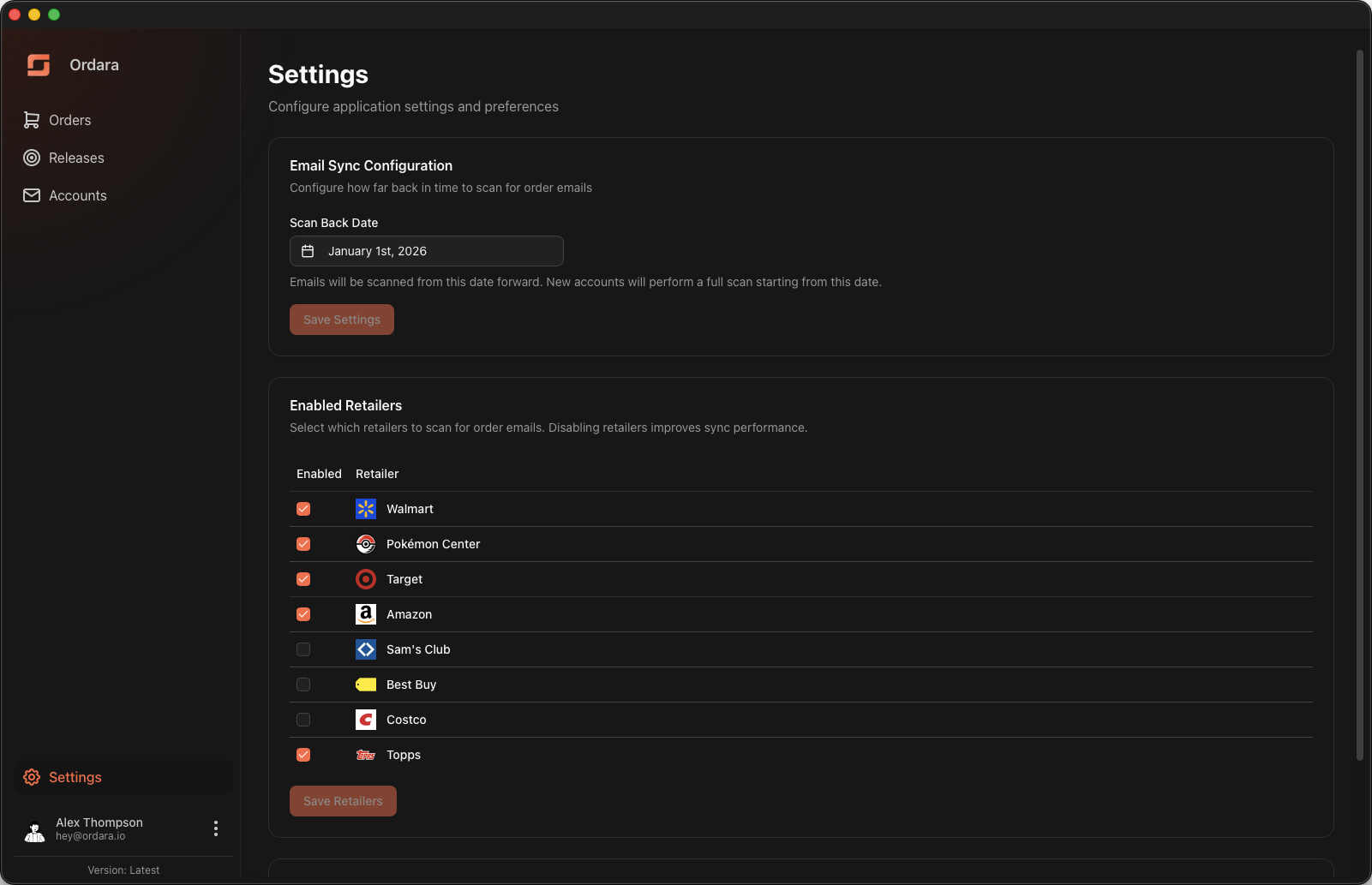
Scan Back Date
Controls how far back in time Ordara scans for order emails. Emails will be scanned from this date forward. When you add a new email account, the initial sync starts from this date.
The default is three months back from the current date. You can set it up to one year in the past.
Enabled Retailers
Select which retailers Ordara should scan for. Disabling retailers you do not use improves sync performance.
All supported retailers are enabled by default. You can toggle individual retailers on or off from the checkbox list. If no retailers are enabled, email sync will be skipped entirely.
Full Sync
Use the Full Sync All Accounts button to re-process all emails from the scan back date across all connected accounts. This is useful after parser updates or if orders or details were missed during a previous sync.
WARNING
A full sync may take several minutes depending on how many emails need to be scanned.
Sale Fee Presets
Fee presets are the marketplace commissions and shipping costs you can attach to an inventory sale so you do not have to compute or type them by hand. Manage them from Settings → Inventory tab → Sale fee presets.
Each preset has a label ("eBay 13%", "Shipping $5"), a type — % of sale for a percentage of the sale's revenue or Flat $ for a fixed dollar amount — a value, and an optional channel. A preset tied to a channel is checked automatically when you pick that channel while recording a sale; a preset marked Default and not tied to a channel starts checked every time you open the Record Sale dialog. Either way, presets are plain checkboxes in that dialog that you can check or uncheck per sale — there is no field for typing an ad-hoc fee.
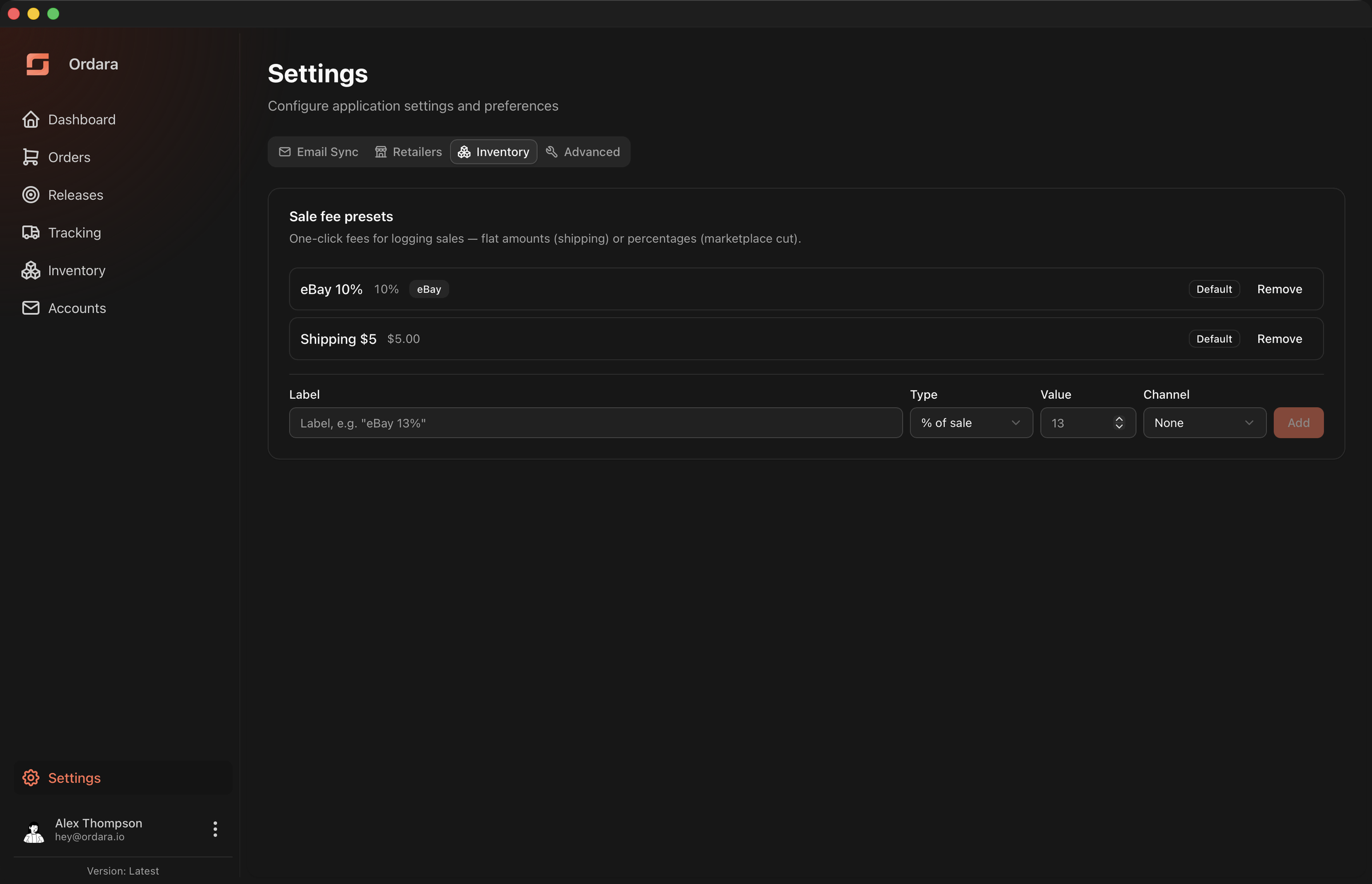
Percentage presets are converted to a dollar amount at the moment you record a sale and frozen there, so editing or deleting a preset never changes profit on sales you already recorded.
See Managing Inventory for recording sales.